My Home Server Setup + Bitcoin Node
My Umbrel home server for privacy: Bitcoin node + open-source apps.
I wanted a small, quiet home server to run a Bitcoin node and a handful of self-hosted apps — to gain back privacy, rely less on third-party services, and lean on open-source software where I can.
Here's the setup, what I run on it, and what I'd do differently.
GoalsLink to Goals
- Run a Bitcoin full node 24/7.
- Self-host files, photos, and media.
- Simple, safe remote access.
- Low maintenance.
HardwareLink to Hardware
- ODROID H4 Ultra + case + fan
- 32GB RAM (slight overkill)
- 4TB NVMe SSD
- 2× 4TB SATA SSDs (Samsung EVO 870)
Plenty of headroom for apps. The CPU is the only occasional bottleneck.
OS: UmbrelLink to OS: Umbrel
I went with Umbrel because it gets you to a working system fast. It has its rough edges once you stray from the defaults, but it's a great baseline for this kind of setup. For anything outside the default store I use the Big Bear community app store, which adds a much wider selection of one-click apps.
Alternatives I considered: ZimaOS (looks promising, but young), TrueNAS / Unraid (more "NAS admin" than I wanted).
Apps I runLink to Apps I run
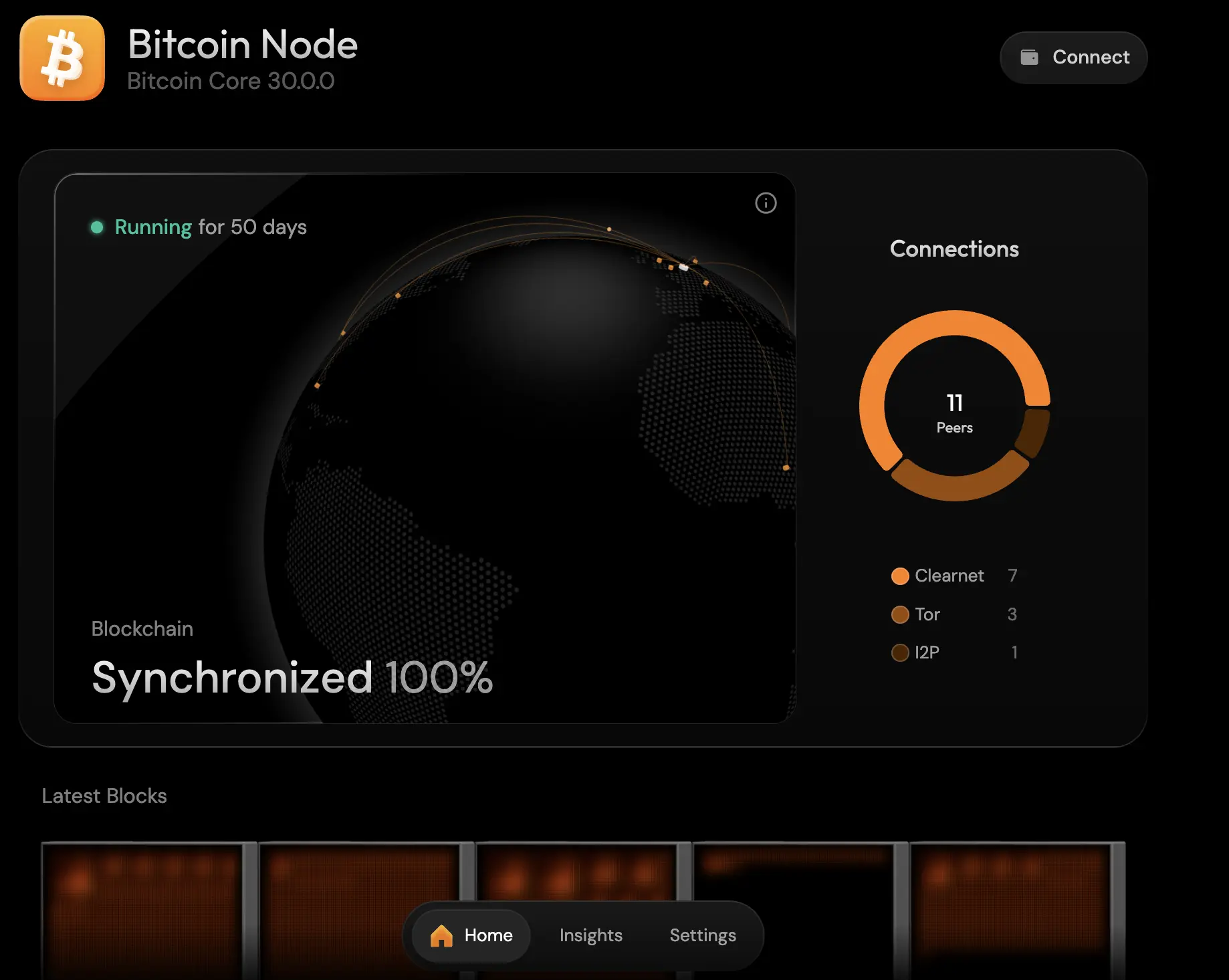
Bitcoin Node. A full node to verify the chain myself instead of trusting third parties, and to contribute back to the network. I enabled Clearnet, Tor, and I2P for peer diversity. Disk footprint is ~850GB and growing; otherwise it's hands-off once synced.
Tailscale. Private WireGuard-based mesh VPN — the one piece that makes self-hosting actually practical. Every device on my Tailnet reaches the server like it's on the local network: no exposed home IP, no router ports to open, no dynamic DNS to maintain. It also punches through CGNAT, so it works even when your ISP doesn't hand out a real public IP. I run the server as an exit node to route traffic through home when I'm on untrusted Wi-Fi, and the share feature lets me hand individual machines to friends or family without exposing the rest of the Tailnet. Worth setting up ACLs early to limit what guests can see.
Gluetun (WireGuard). Extra privacy layer for outbound traffic. Gluetun runs as a Docker container with a WireGuard config from my VPN provider, and I route the containers I care about through it. Cleaner and more reliable than running a VPN client at the host level.
Immich. Self-hosted Google Photos replacement. Fast search, albums, and a polished mobile app with auto-backup — and my photos stay on my own hardware. Migrating from Google Photos was straightforward using Google Takeout + Immich-Go.
Nextcloud. Private OneDrive: file storage and sync across devices. I keep two accounts (admin + daily-use) with 2FA on both.
Jellyfin. Private Netflix for movies, series, and online courses. Open-source, free, and works on TV, phone, and laptop. Enable hardware transcoding (Playback → Transcoding → VAAPI) for smooth playback.
Jellyseerr. Companion to Jellyfin for browsing and requesting new movies and series.
Audiobookshelf. Open-source Audible. Drop audiobooks into a folder and it pulls metadata from Audible automatically. Honestly the best UX of any app on the server.
Calibre Web. Web UI for browsing and managing my ebook library. For format conversions I usually just use an online tool like CloudConvert.
Syncthing. Peer-to-peer file sync between my devices, no cloud involved.
Rotki. Local crypto portfolio tracker.
Portainer. Web UI for the extra Docker containers I run outside Umbrel's app store.
Lessons learnedLink to Lessons learned
- Plan storage early. Most of my maintenance pain came from moving data later. Decide folder layout and mount points from day one.
- SSDs were overkill. Next time: HDD mirror for bulk storage + NVMe/SSD for apps and databases.
- CPU matters sometimes. The ODROID is great, but Immich can hit CPU limits during indexing.
- Maybe a ZimaCube next time. Sleek hardware, more drive bays (HDD + NVMe), and ZimaOS looks promising for this kind of "easy NAS" setup.
Comments